

Save every meeting as a Word document
Klang writes the meeting up and puts a Word document in the OneDrive folder you nominate, in the file system your team already uses.
Setting it up
An automation sends the report from a finished meeting somewhere else, without anyone clicking anything. You pick three things: where it goes, what it sends, and which meetings it runs on.
- 1
Connect OneDrive
In Settings, Integrations, add OneDrive, sign in with your Microsoft account and approve the access it asks for.
- 2
Choose the folder
Each matching meeting becomes a new Word document there.
- 3
Choose what the document says
The meeting report, or your own instruction for how it should be written.
Choosing which meetings it runs on
Without conditions an automation runs on all your new meetings. Pick whether all of your conditions have to be true, or any one of them.
Folder
A folder and its subfolders.
Tag
A tag someone has applied. A suggested tag does not count.
Meeting name
Your text anywhere in the title.
Participant
One person, by email or name.
Email domain
Anyone from a given organisation.
Only external meetings
At least one participant from outside. Reach for this before writing to a CRM.
Conditions look at the meeting, not at what was said in it. There is no condition for “meetings where we discussed pricing”, so put that kind of judgement in the instructions instead.
Scheduled analyses, for the patterns one meeting cannot show
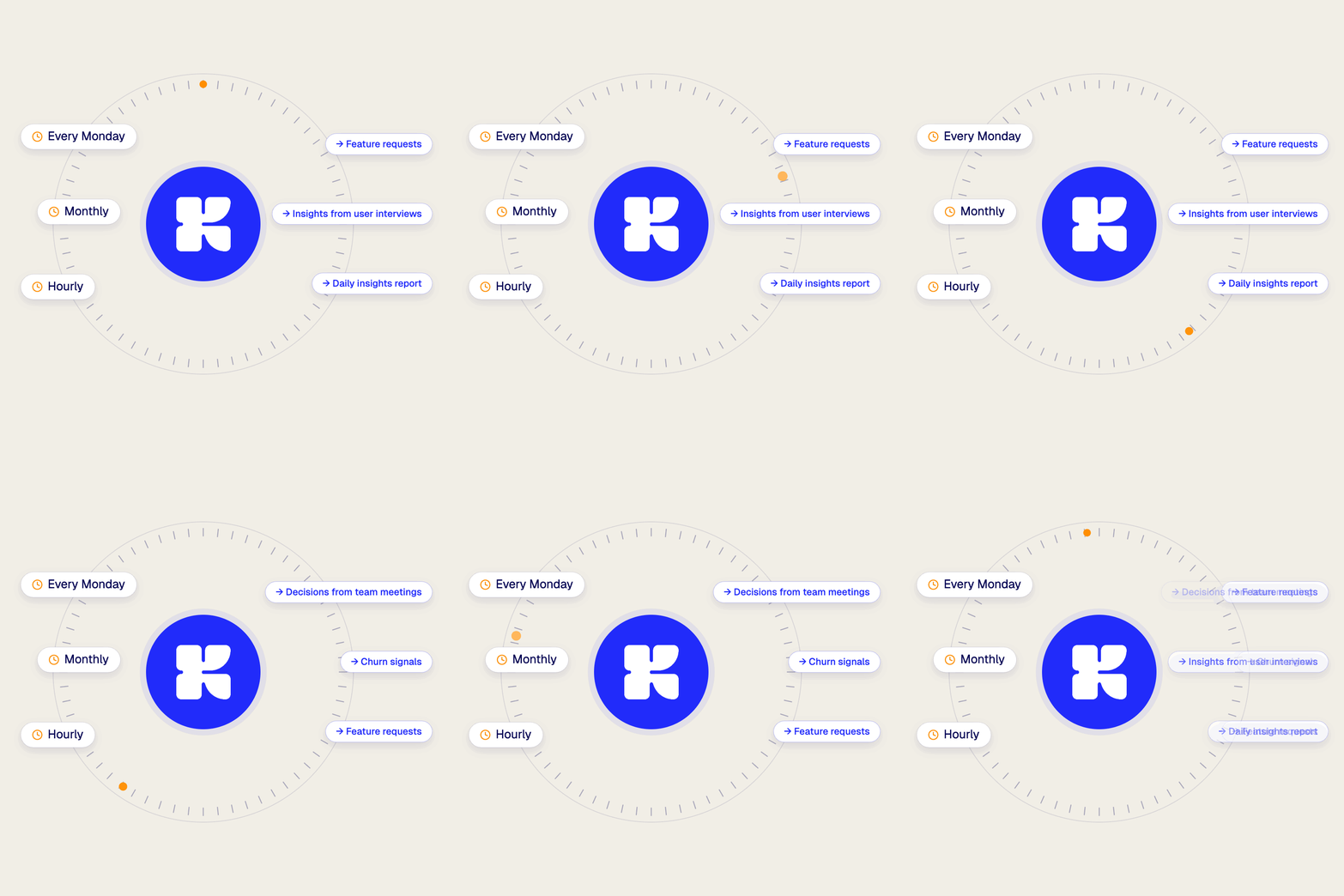
An automation fires per meeting. A scheduled analysis runs on a clock across a whole folder, so you get the pattern rather than the individual write-up. It collects the transcripts added since its last run, and saves the result to the folder you choose.
- A daily summary of yesterday's customer calls
- A weekly roundup of objections in sales calls
- A monthly view of themes in user research
Set it up once, then forget about it
Record your next meeting in Klang and let the write-up find its way to Microsoft OneDrive on its own.