The whole picture, not one conversation at a time.
Klang reads across all your conversations, meetings, and interviews and surfaces what they add up to. You see the recurring objections, themes, and signals that no single conversation reveals, delivered on the schedule you set.
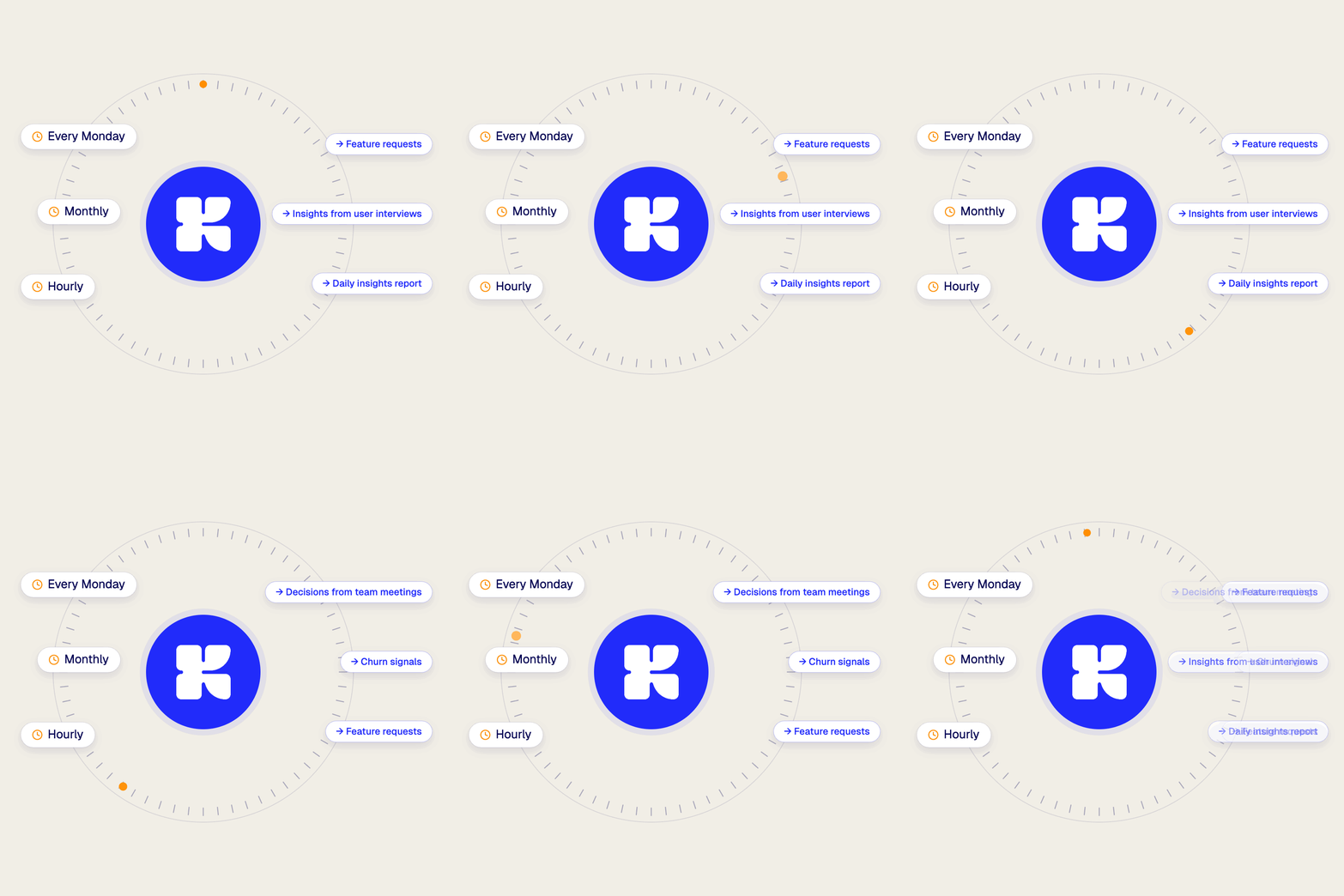
Three steps from conversation to insight.
Pick what to analyse, tell Klang what to look for, then let it run. Every result lands in your workspace, ready to share and act on.
Bring in your conversations
Your calls, meetings, and interviews flow into Klang automatically.
Set the cadence
Daily, weekly, or whenever new conversations land. You set the rhythm.
Analyses arrive on their own
The patterns, decisions, and risks, delivered to Slack, email, or your workspace.
Built for teams with more conversations than time to read them.
Leadership teams
See what matters across every team, without the transcripts.
Meeting-heavy organizations
More meetings than anyone can summarize, handled automatically.
Sales and customer teams
Signals from every call, not just the latest one.
Turn today’s conversations into tomorrow’s focus
Klang turns every conversation into knowledge your whole team can use. Free to try, secure from day one.