What's new

News and improvements in Klang, updated continuously.

Tell Klang what to watch for

Tell Klang what to watch for

How many decisions in your team are based on one conversation that happened to be memorable, rather than the pattern across fifty that no one had time to review?

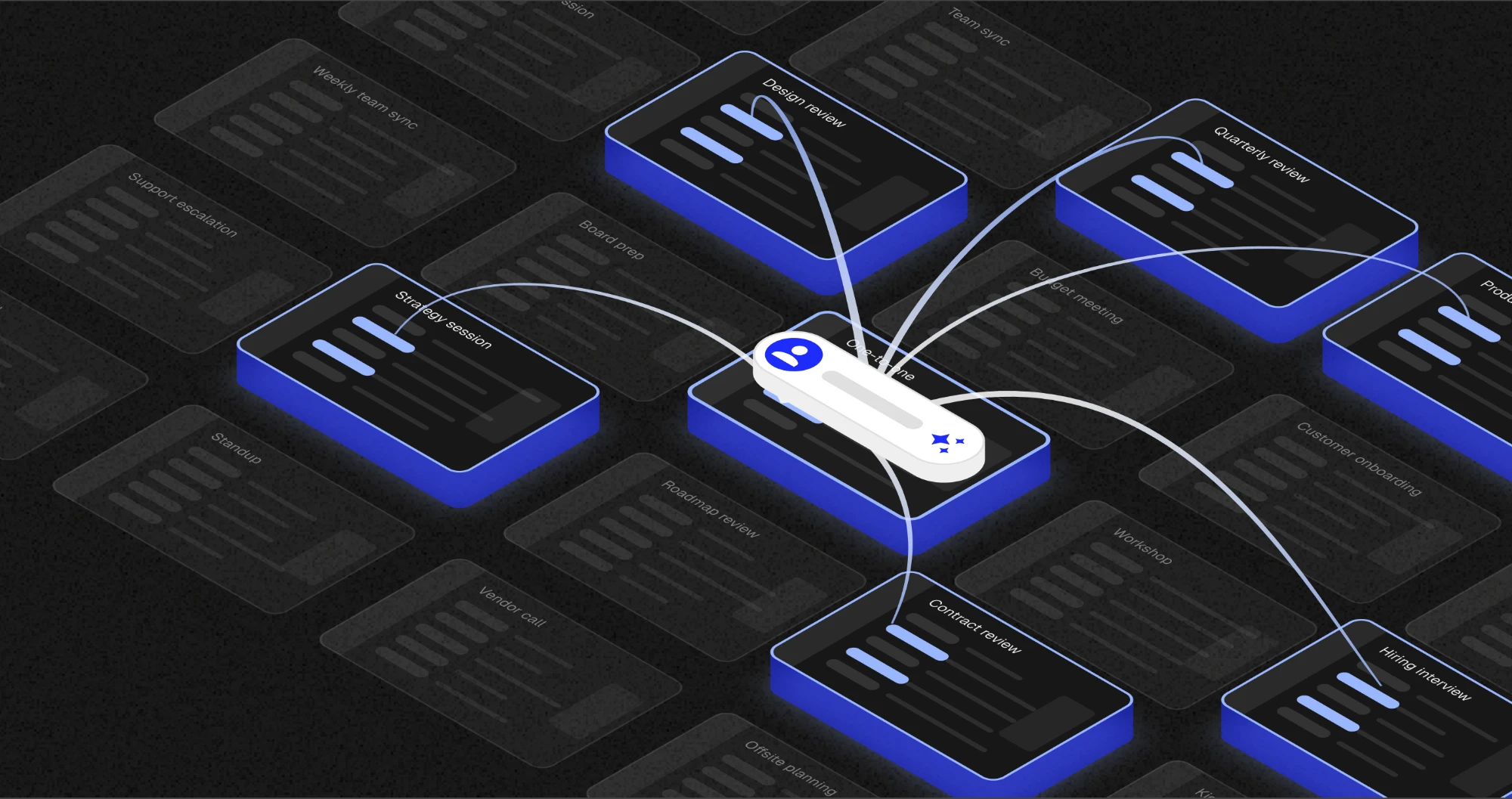
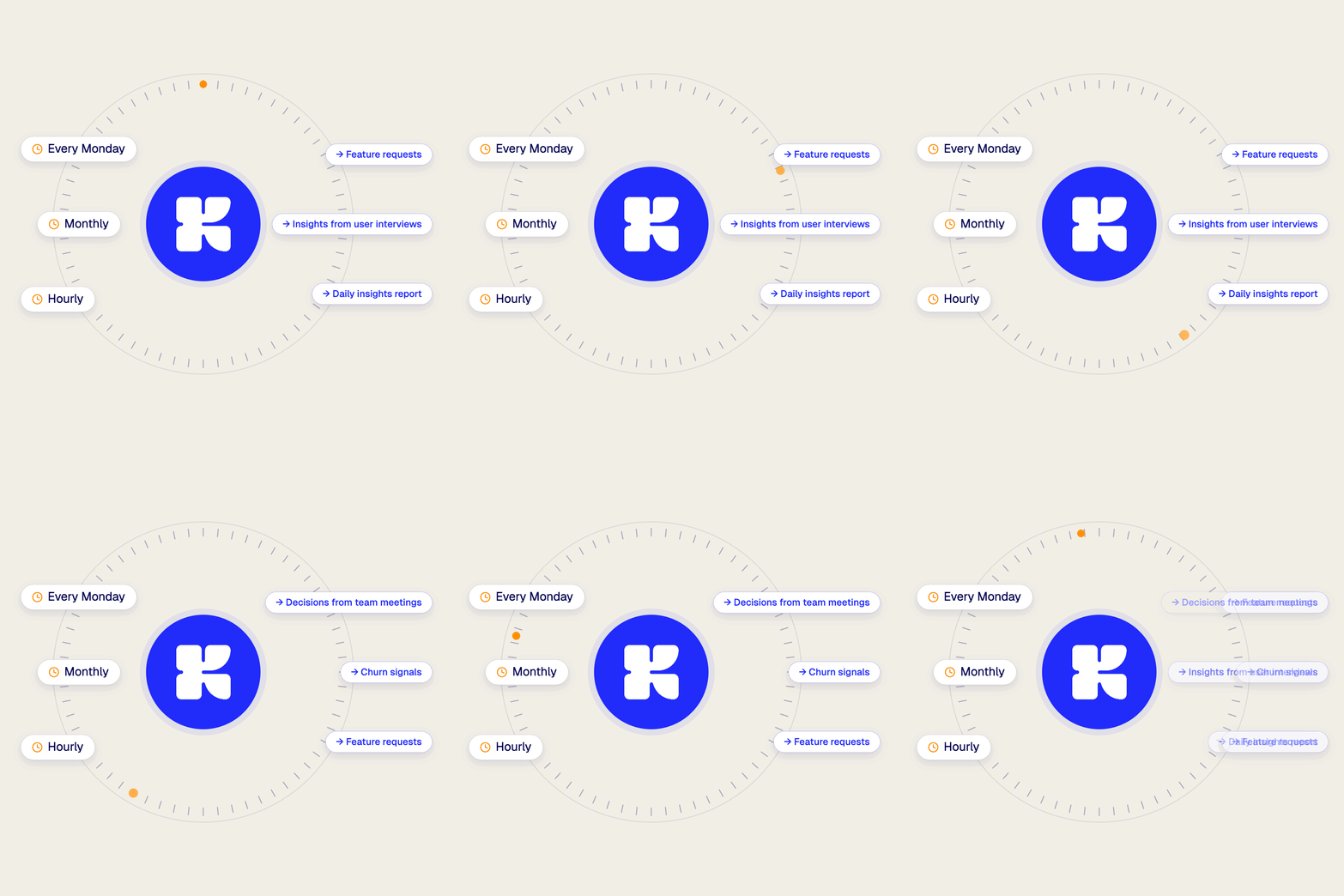
Klang structures every call, meeting and interview so you can look across all of them at once. And you don't have to go looking. Tell Klang what to watch for: the objection that keeps surfacing, the wording customers reach for when something's wrong, the slow drift in what people are asking for. Klang checks on a schedule and brings the pattern to you.

One conversation is an anecdote. All of them together are the evidence.

Tell Klang what to watch for

Live transcription is here

Live transcription is here

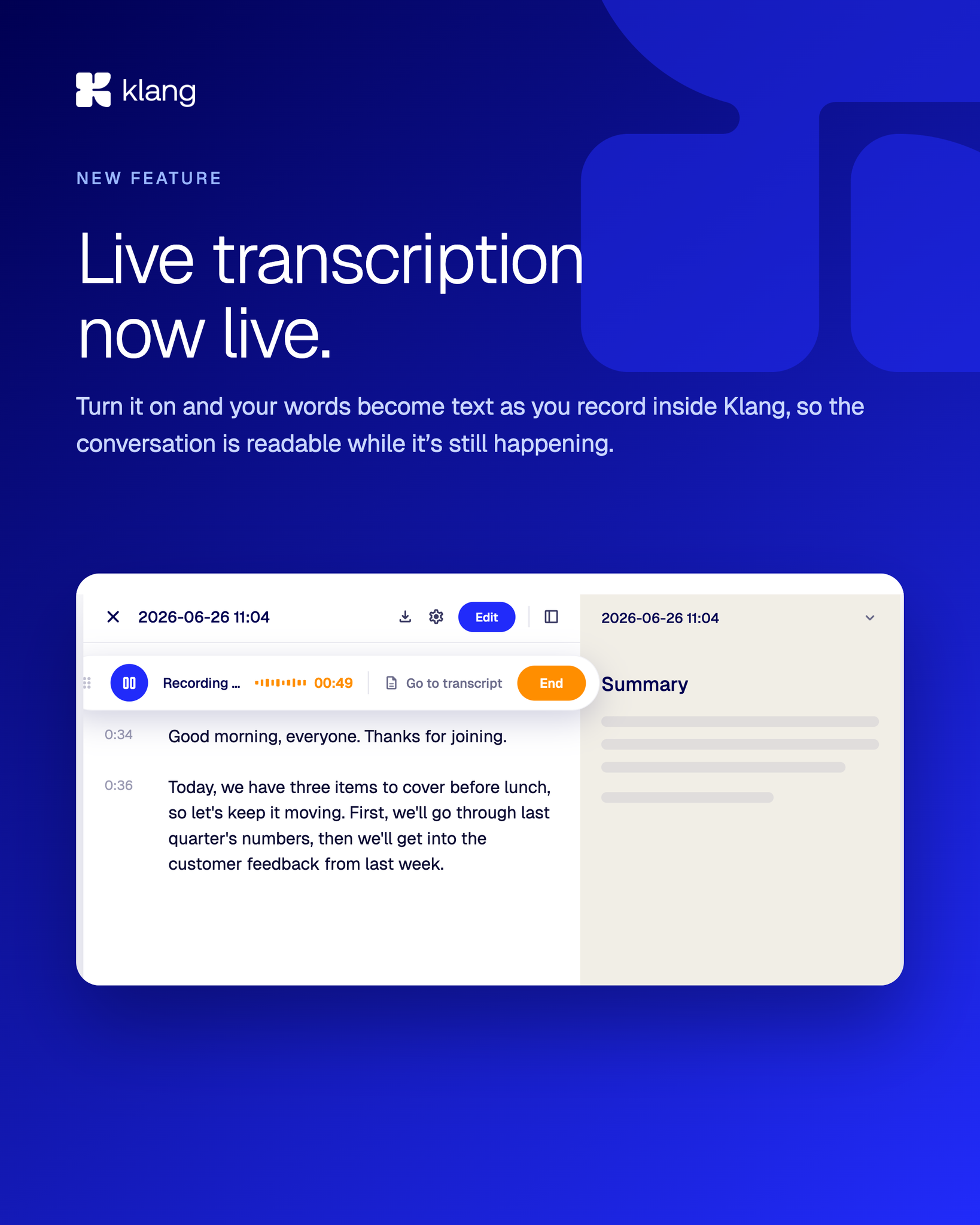
Live transcription is now available in Klang. Turn it on and your words become text as you record, so the conversation is readable while it's still happening.

Follow along in the transcript during the recording, and jump straight into the summary the moment you end it. No waiting for processing to catch up with the meeting.

Try live transcription in Klang

Every conversation lands structured in one place

Every conversation lands structured in one place

Think about the last difficult call you had. The useful part probably wasn't a single sentence. It was the shape of the whole thing. Where it stalled, what the other person kept circling back to, the moment it turned. That shape is data, it just doesn't survive in a plain transcript.

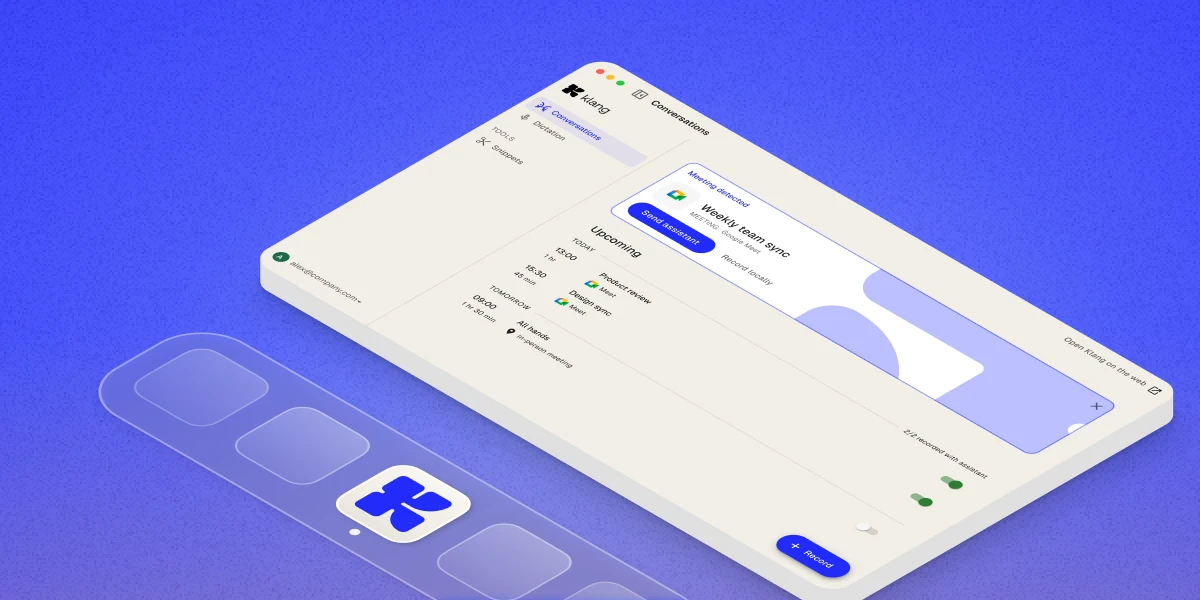
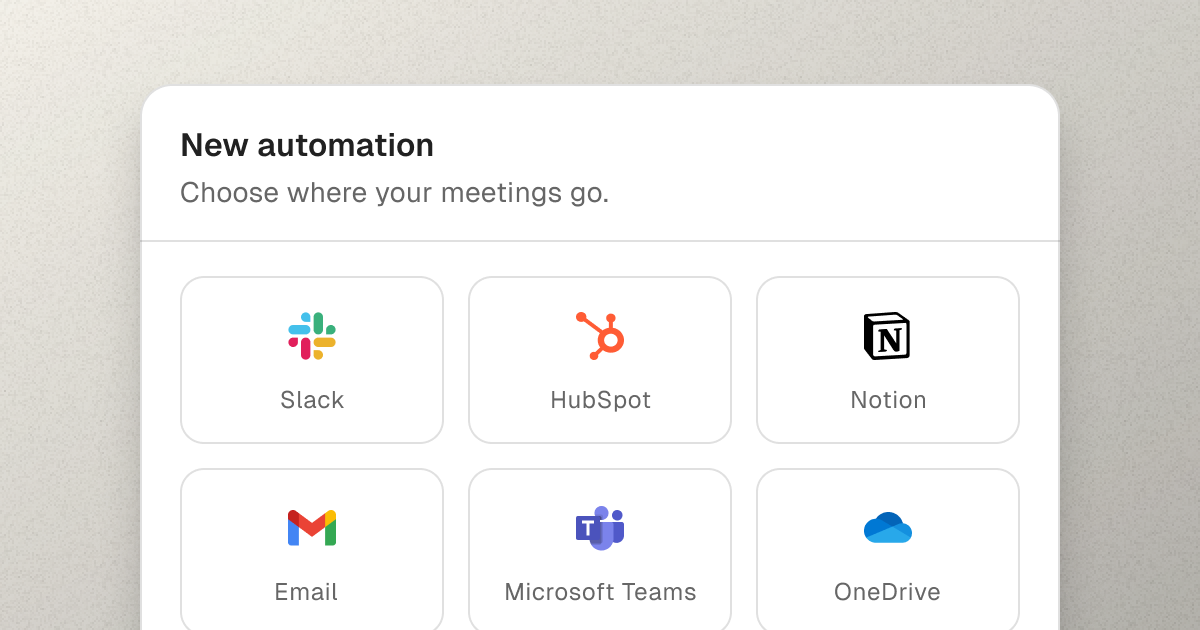
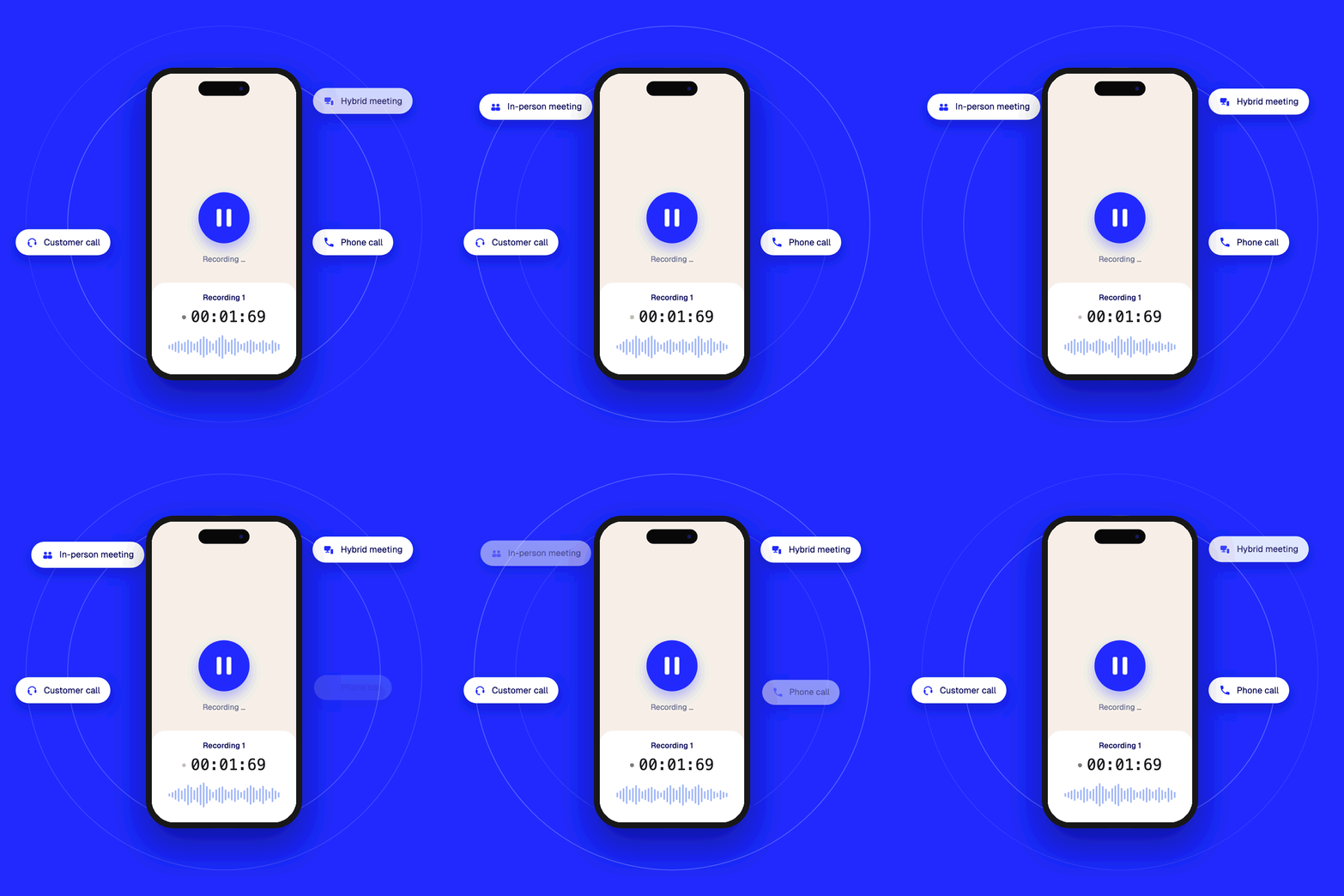
Klang is built to keep it. It captures the conversation, structures what mattered, and gives you somewhere to actually work with it. And it doesn't care where the conversation happens. A meeting at your desk, a call you take from your phone on the way out the door, all of it lands in the same place, structured the same way.

From there it's yours to use. Review it, search it, build on it inside Klang. And if you've already got your own setup, Klang connects out to the tools you work in too. Either way, the conversation stops disappearing the moment the call ends.

Try it on your next call

Klang now runs an MCP server

Klang now runs an MCP server

A lot of what matters at work happens in conversations. The decisions, the promises, the details. The hard part is finding them again later.

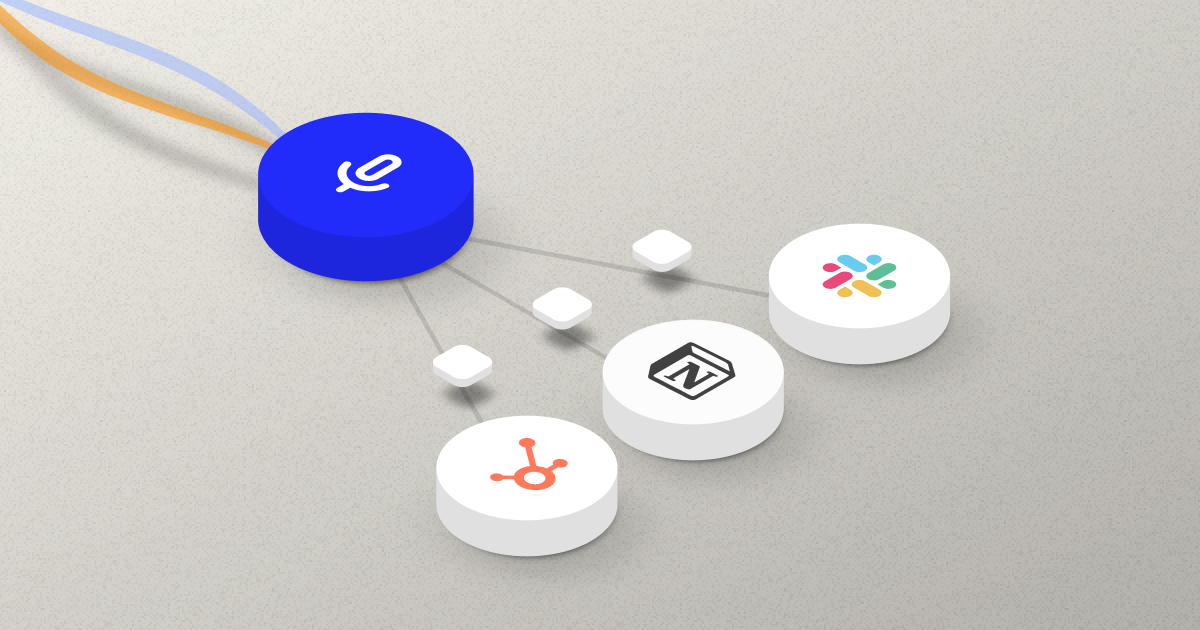
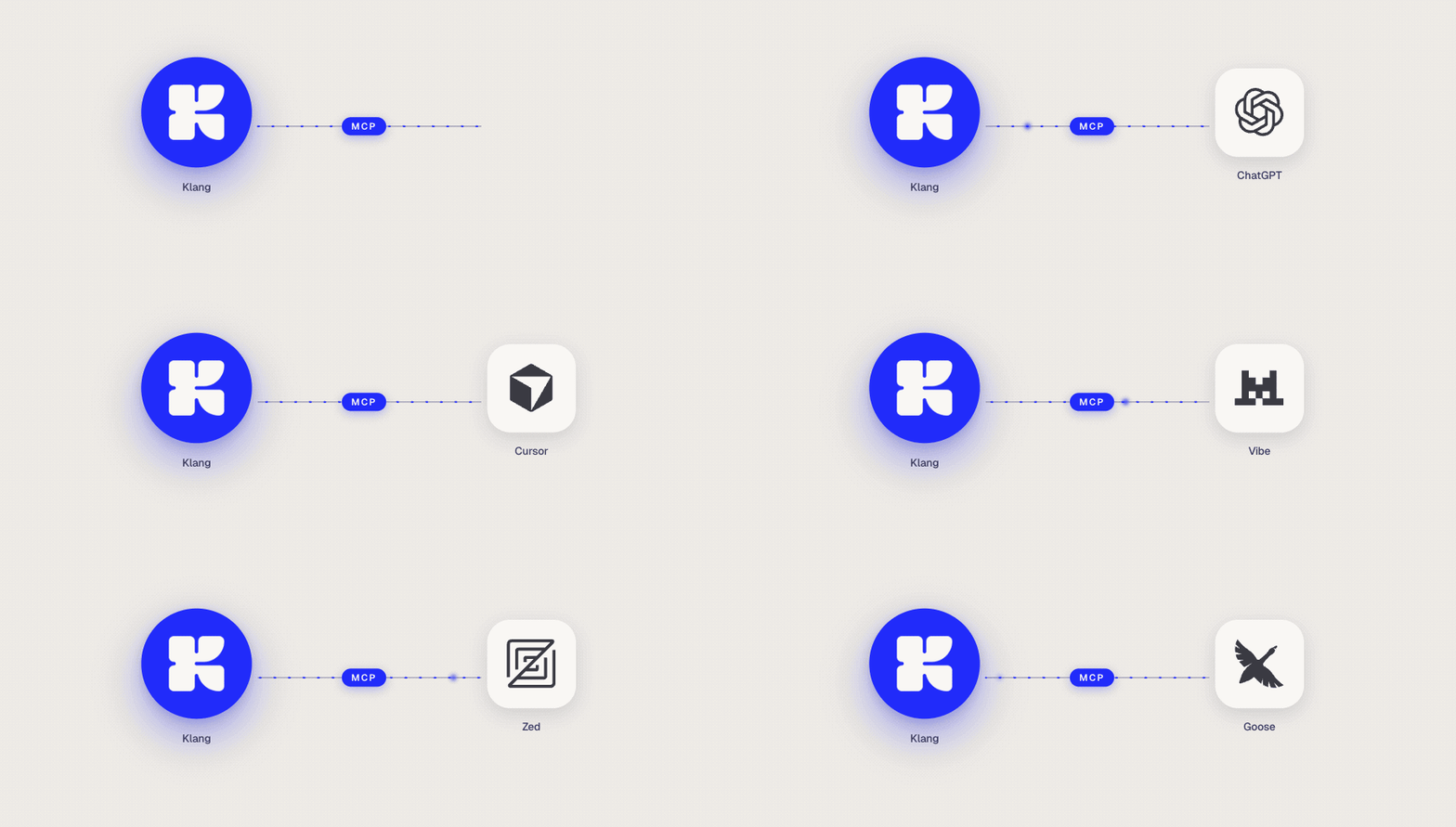
Klang now supports MCP, an open standard that lets AI assistants call tools on a remote server. Connect your assistant to your Klang workspace once, and from then on it can read your meetings, conversations and notebooks the same way it reads anything else you give it.

Ask a question in plain language and your assistant finds the right calls, reads them, and answers:

  • "What action items came out of yesterday's meetings?"
  • "Which deals had pricing pushback this month?"

It works with Claude, ChatGPT, Cursor, or any MCP client. Setup is a single URL.

We kept it read-only on purpose. Your assistant can browse and quote your content. It cannot edit, delete or share anything, and it only sees the one workspace you connect.

Read the documentation

Klang now learns your vocabulary

Klang now learns your vocabulary

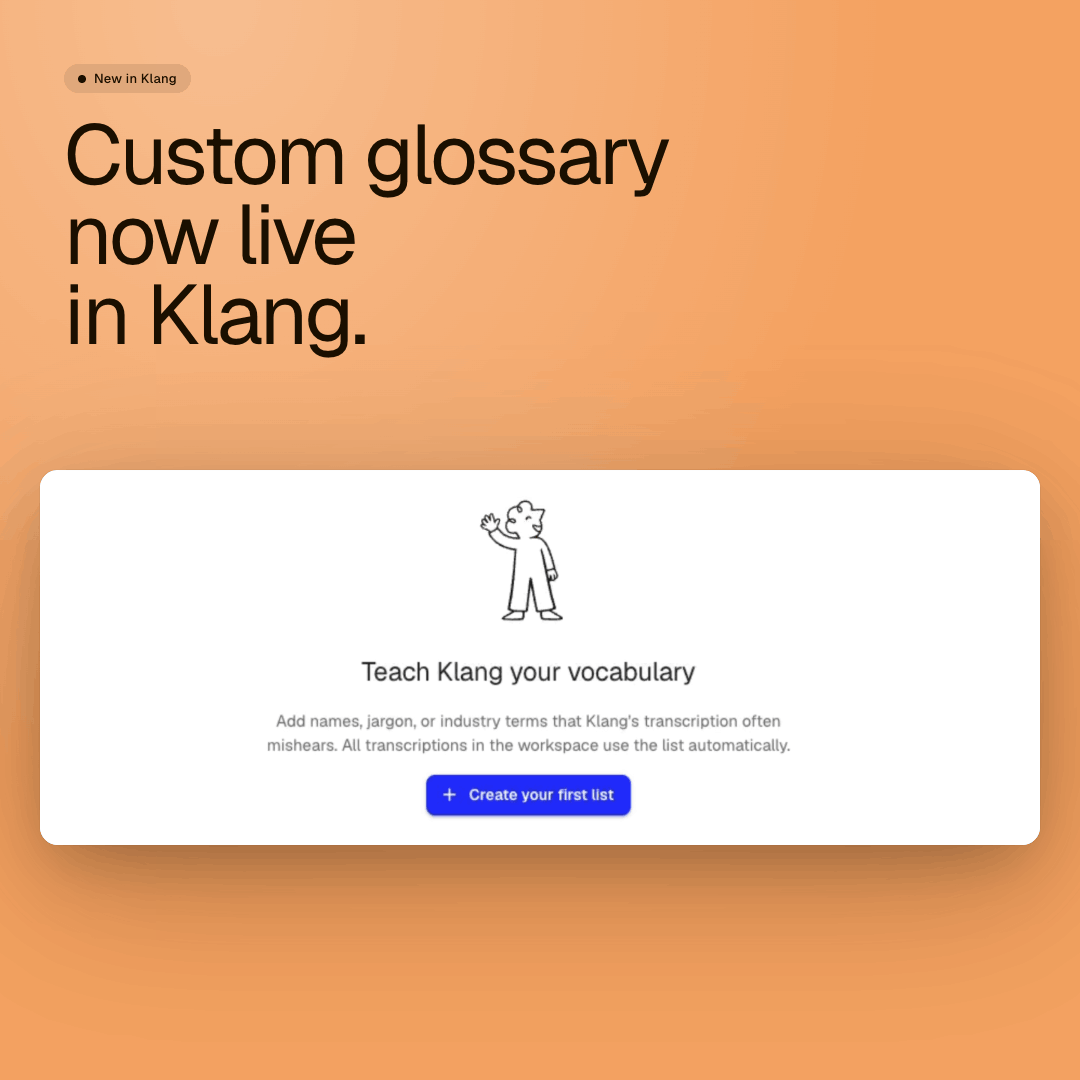
Custom glossary is live in Klang. It's been one of our most requested features for over a year.

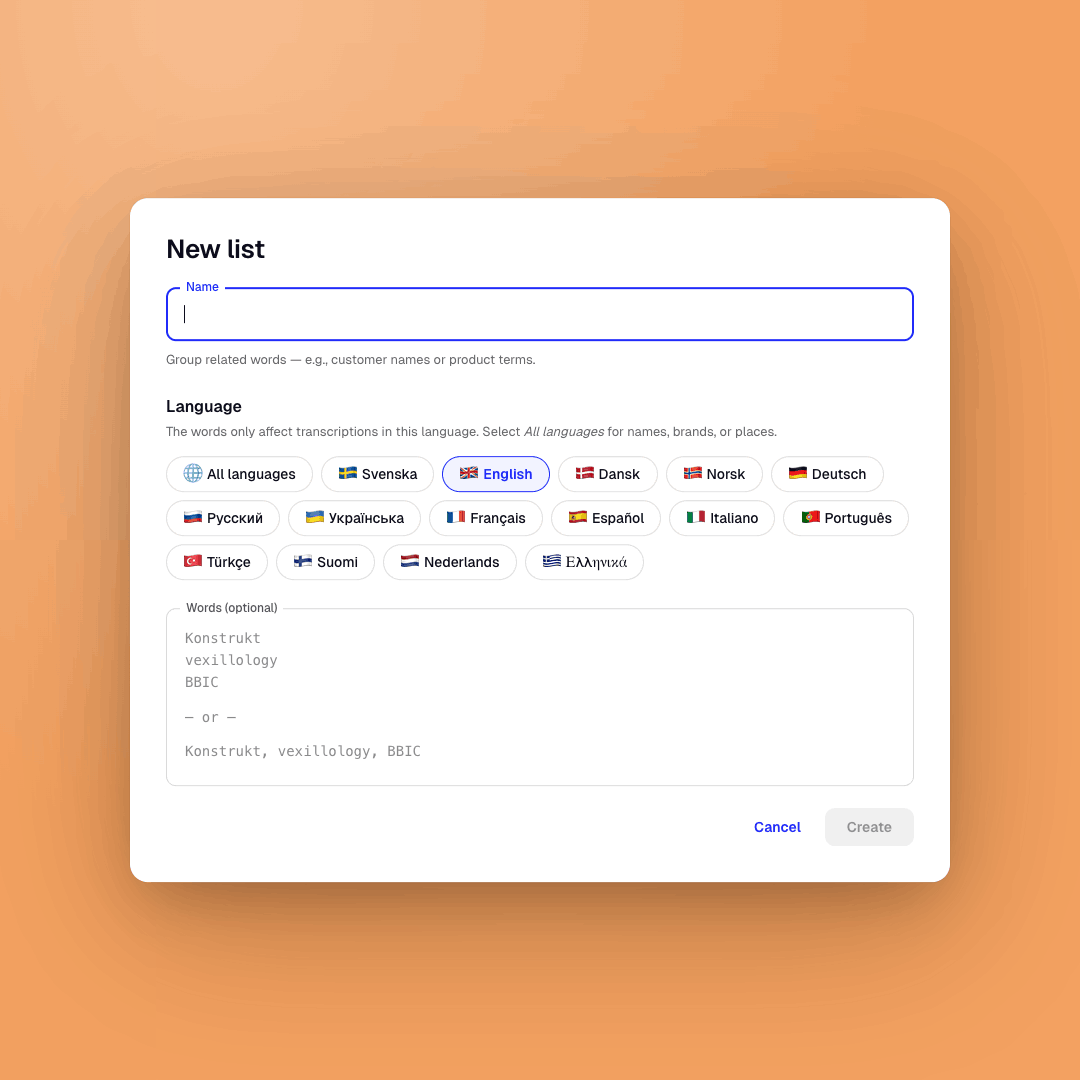
Add your organization's terms in one shared list: names, abbreviations, jargon and product names. Klang learns the terms and uses them in transcriptions and summaries, for everyone in your organization.

What it means in practice:

  • Documentation that's ready to use the moment it lands.
  • Summaries that get names and terms right the first time.
  • No more parallel correction work between users.

The custom glossary in Klang

Create your glossary

Scheduled analyses are live

Scheduled analyses are live

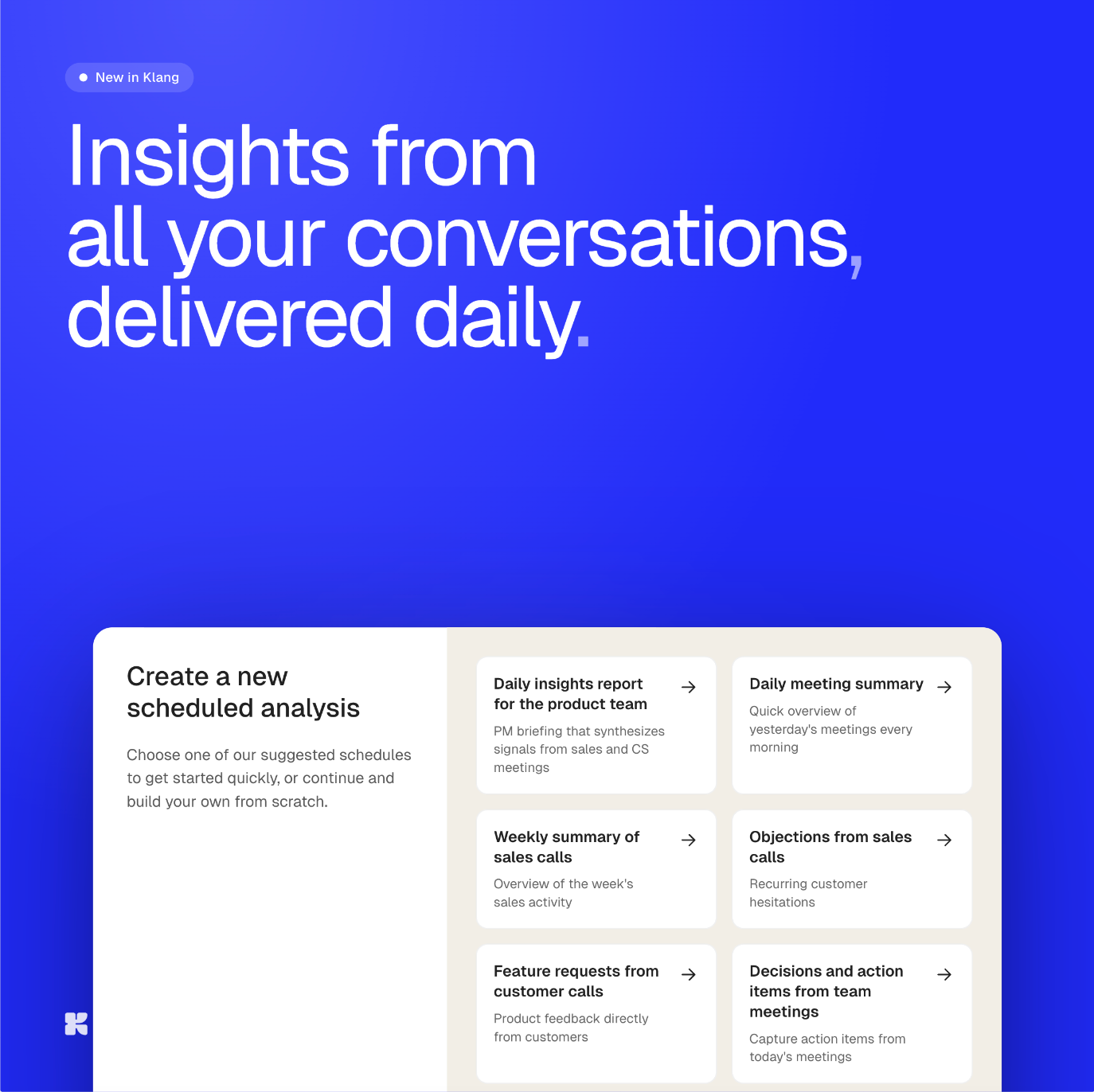
You can now set up automatic analyses that find patterns across all your conversations.

Pick a folder. Pick a template, or write your own prompt. Pick how often it should run. Klang runs it across every new conversation and delivers the result.

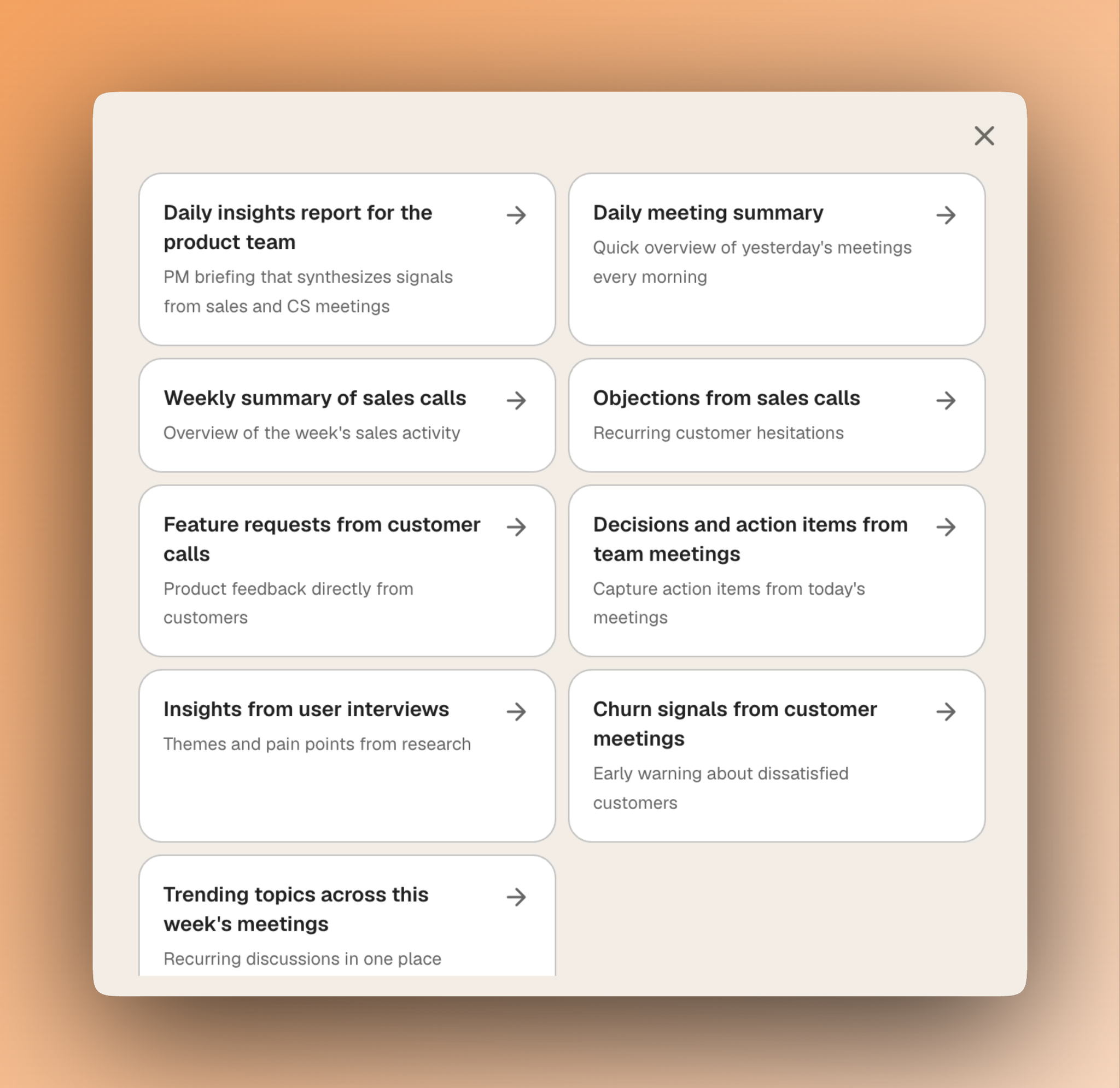
A few examples of what people are setting up:

  • A daily summary of yesterday's customer calls.
  • A weekly roundup of objections from sales conversations.
  • A monthly view of recurring themes in user research.
  • A daily catch-up on what was decided in yesterday's team meetings.

Setting up a scheduled analysis in Klang

Set it up once and get the answer for as long as you want it. The signal is rarely in any single meeting. It's in what keeps coming up.

Set up your first analysis

Meet the new AI Agent

Meet the new AI Agent

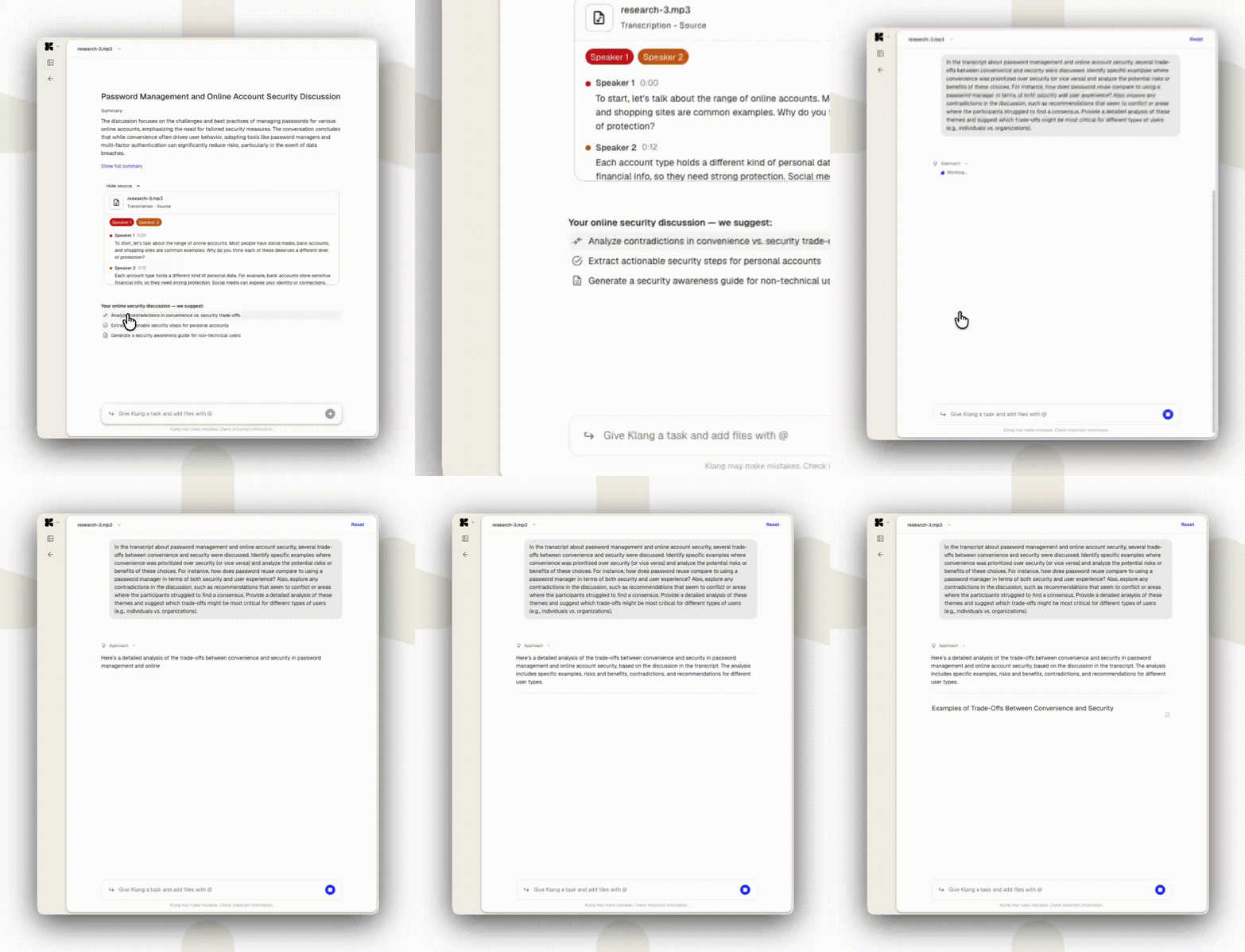
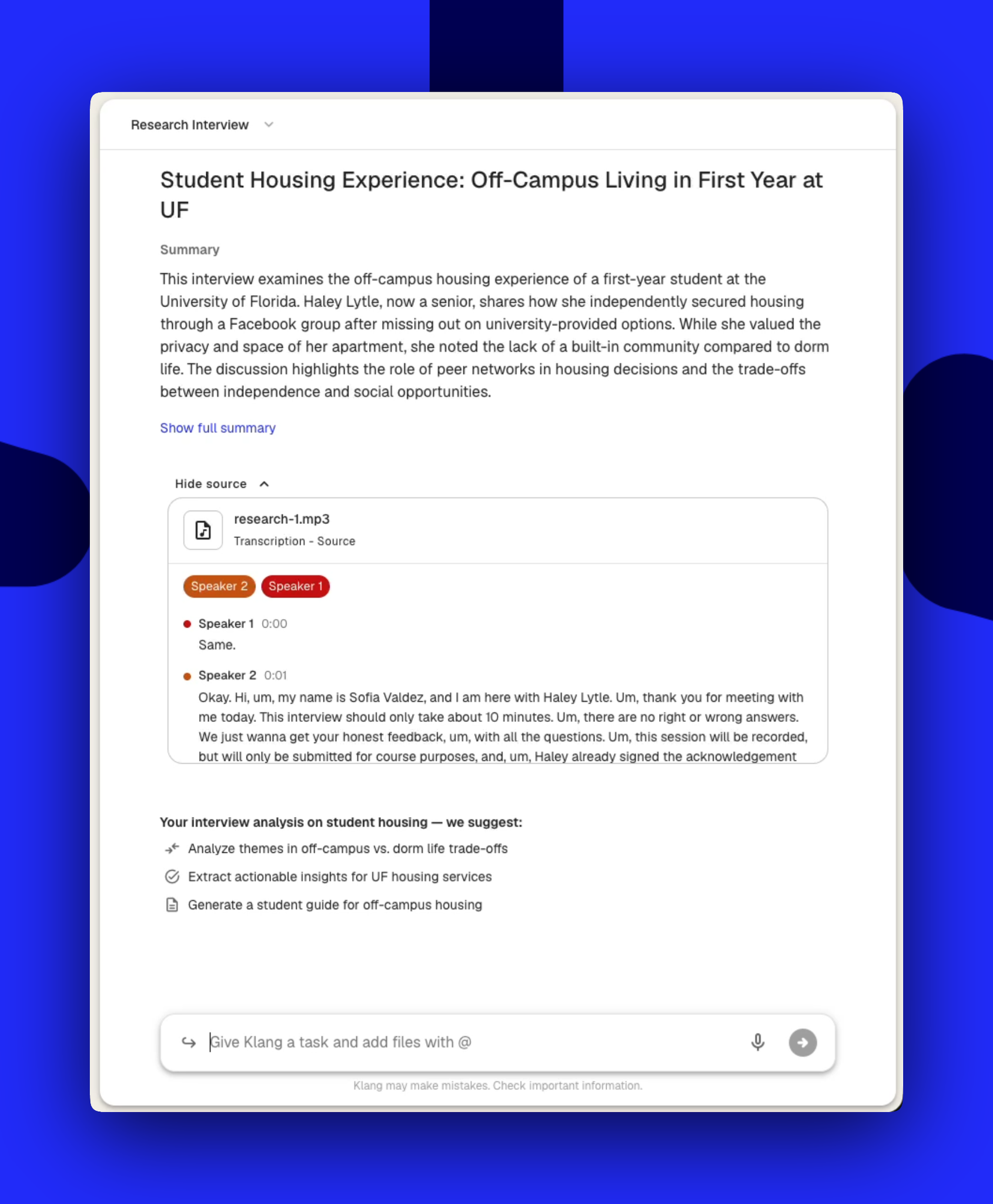
We just shipped one of our biggest updates yet. The AI Agent is significantly smarter and noticeably faster, and the interface is completely redesigned. You notice the difference the moment you open Klang.

Smarter agent, faster file reading. The agent handles much larger datasets and works through your files with more precision than before, with a speed difference you notice immediately.

The new AI Agent in Klang

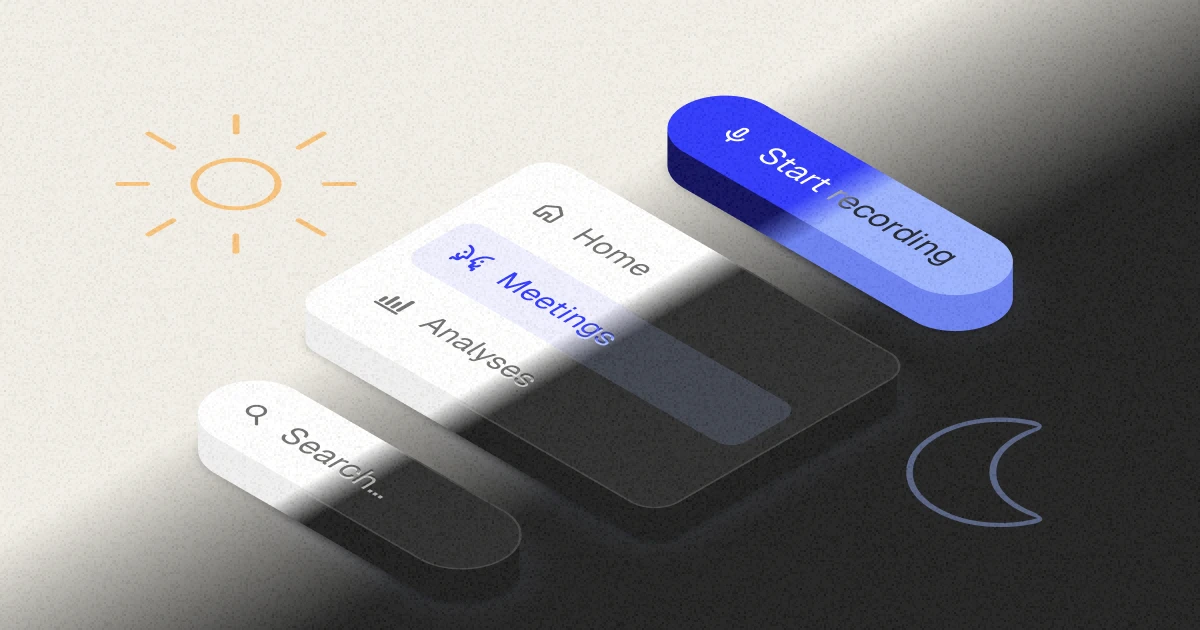
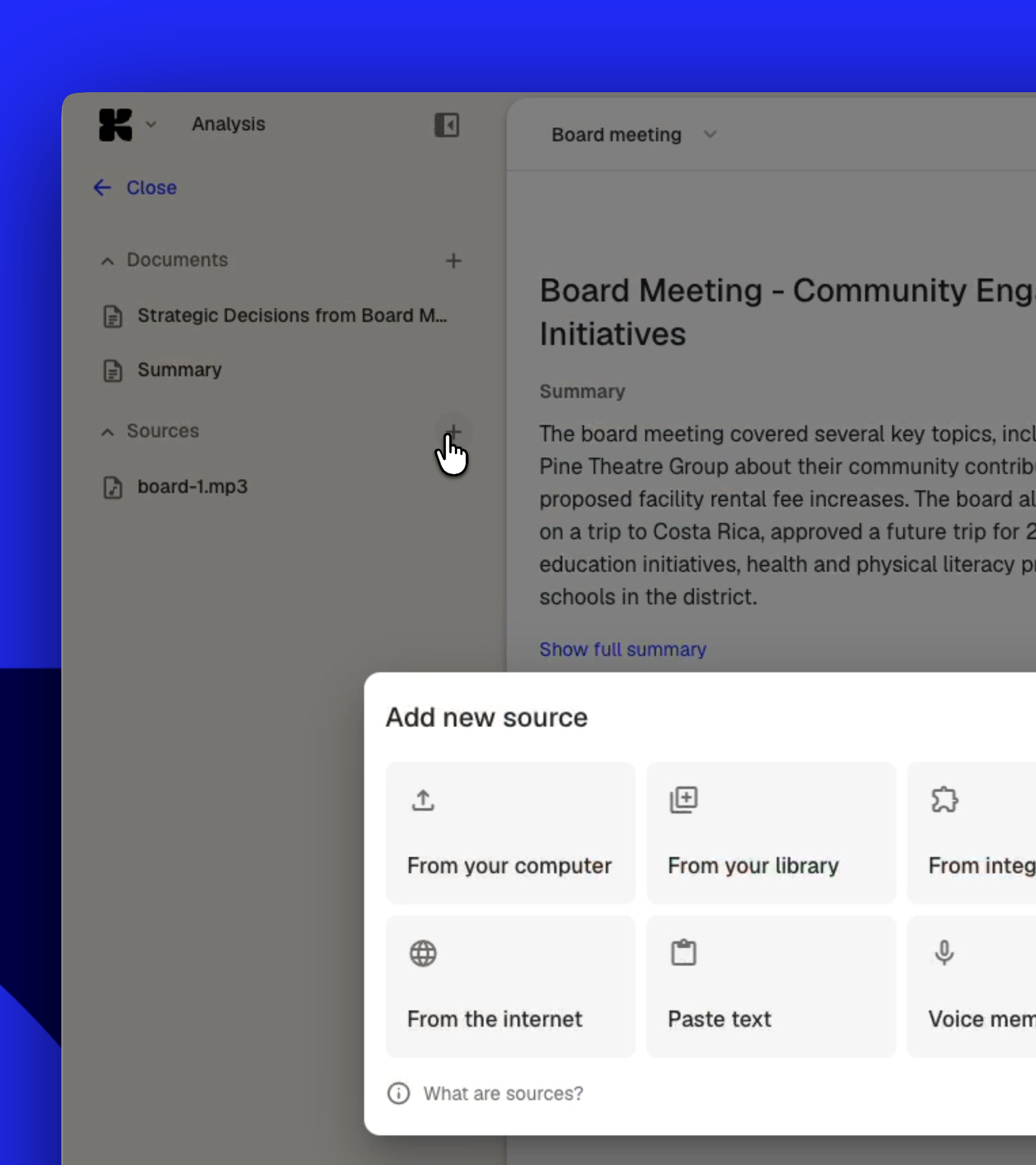
Redesigned interface. Cleaner, more focused, and built to stay out of your way, whether you're reviewing a transcription or working with the agent.

The redesigned interface

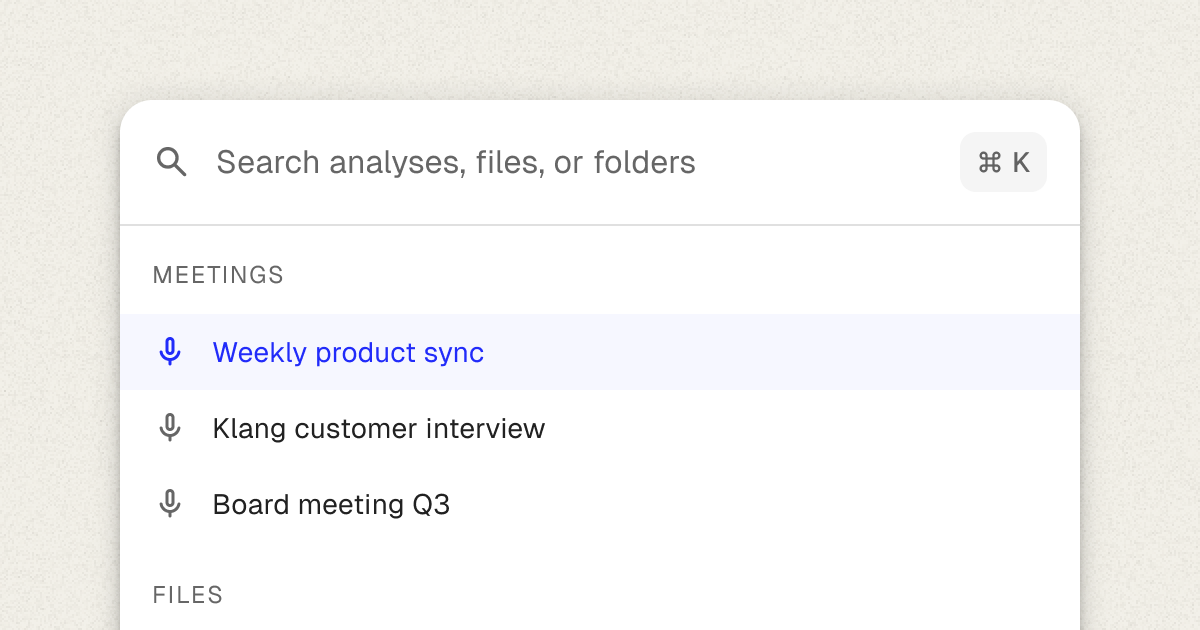
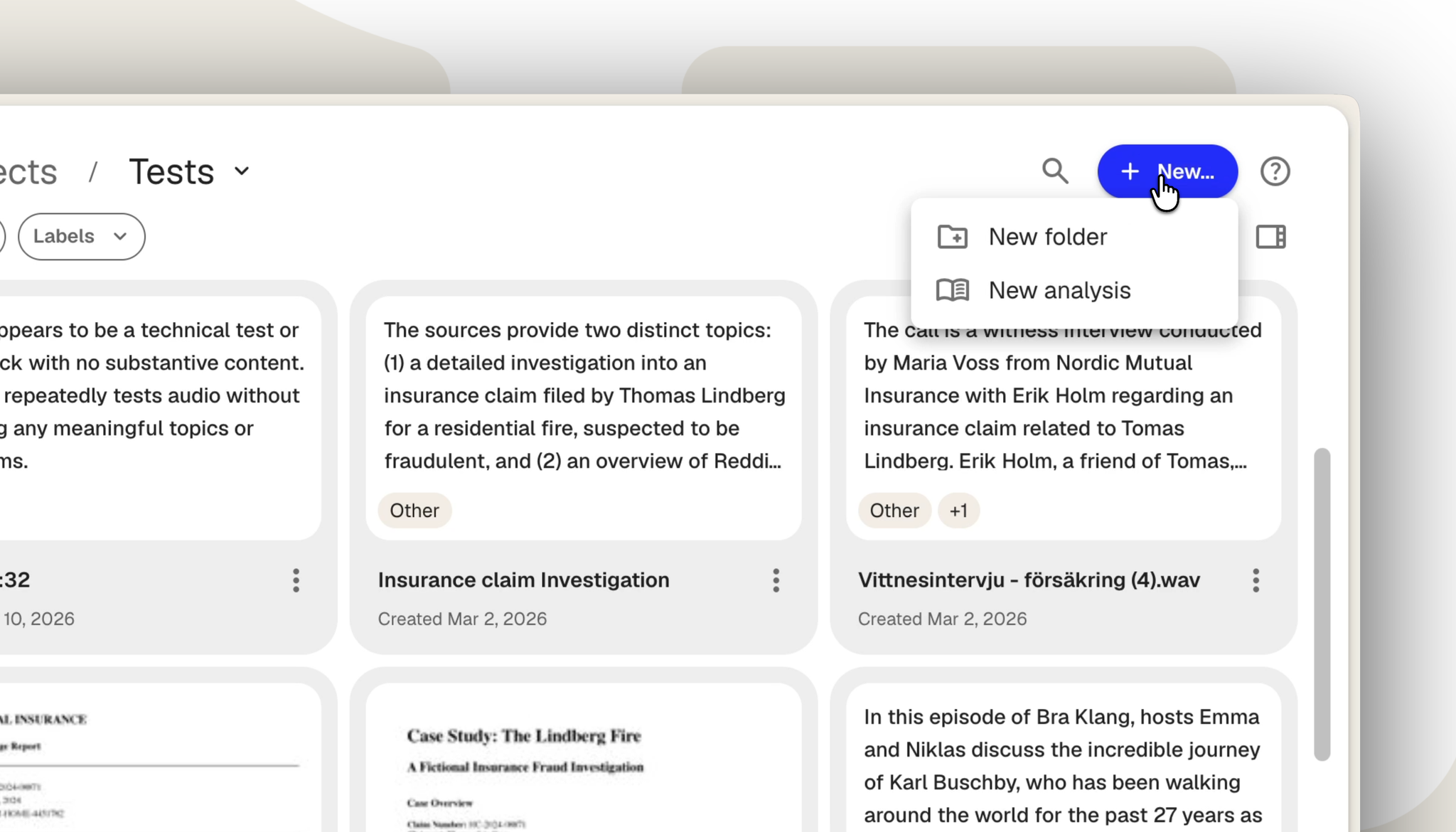
A new way to organize your work. We rebuilt how you navigate projects. Faster search, better folder structure, and quick actions like inviting users or creating analyses, all without extra clicks.

The new project view

Log in and try it