Automatic speaker identification in transcriptions
When an interview, a meeting, or any other audio is transcribed in Klang.ai, an automatic speaker identification (also called speaker diarization) is performed, which means the system distinguishes who said what.
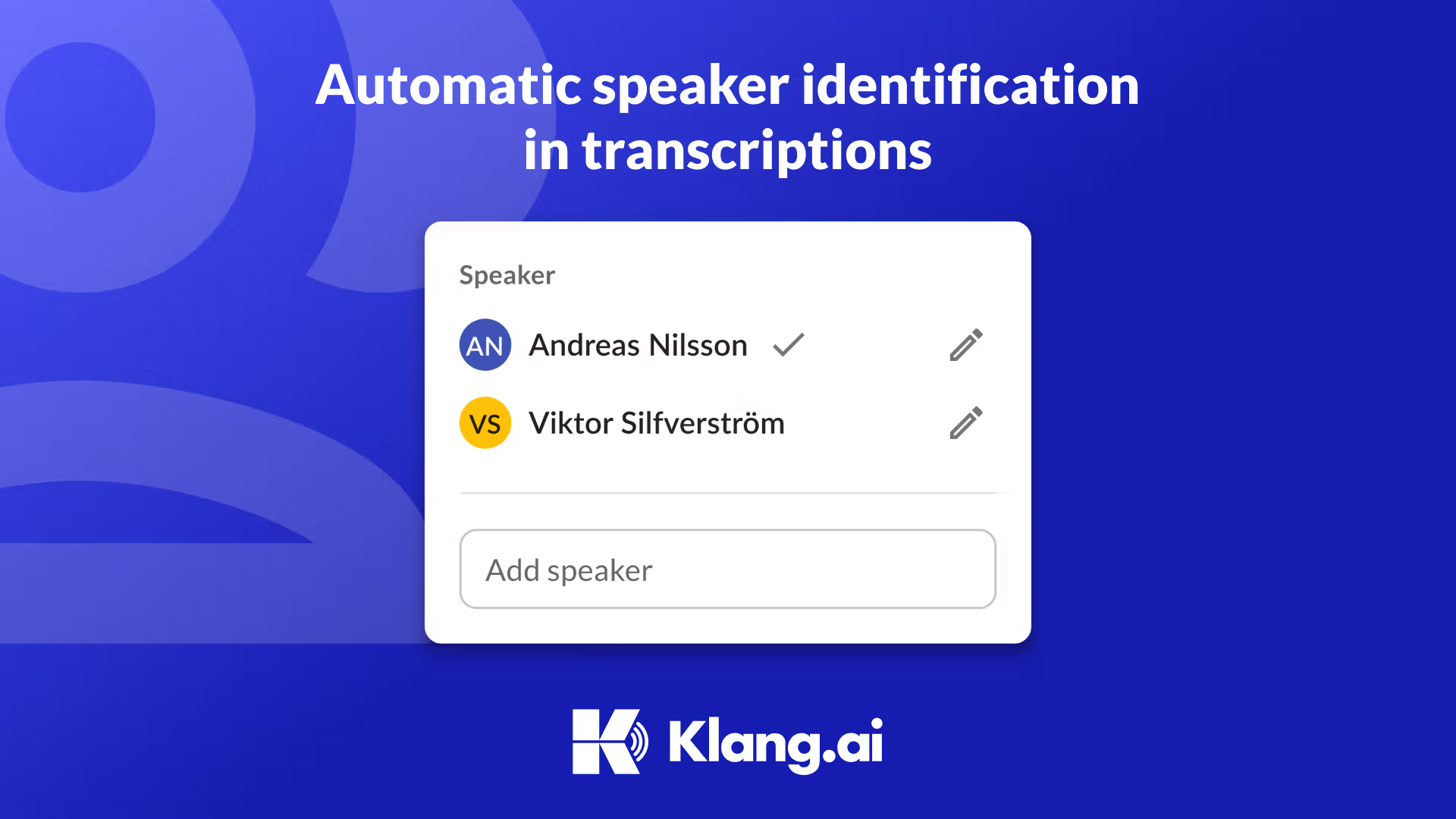
When an interview, a meeting, or any other audio is transcribed in Klang.ai, an automatic speaker identification (also called speaker diarization) is performed, which means the system distinguishes who said what. This is especially important for differentiating between the interviewer and the interviewee during interviews.
This function has significant advantages for researchers, recruiters, and journalists, where quick and accurate identification of speakers saves time and increases efficiency.
In Klang.ai's transcription view, speakers are clearly visible, and it's easy to change the speaker for a piece of text or modify a speaker's name.
Indispensable for Researchers
In research, especially qualitative research, being able to distinguish between the interviewer and interviewee is crucial. Automatic speaker identification in Klang facilitates this distinction from the start, allowing researchers to focus on the analysis and interpretation of the interview material instead of manual identification.
Efficient Recruitment with Accurate Speaker Names
For recruiters, quick and accurate speaker identification is valuable when evaluating candidate interviews. By automatically distinguishing between different speakers, recruiters get a more structured and comprehensible transcription. This not only saves time but also provides a clearer picture of the interaction, which can be decisive for recruitment decisions.
Speeding Up the Process for Journalists
In journalism, the speed of transcribing and identifying speakers is of great importance. Automatic speaker identification in Klang gives journalists the ability to quickly get an overview of the interview content. Moreover, the editing process is facilitated by correctly identified speakers automatically receiving their real names.
Editing and Adding Speakers
To change the names of the speakers, click on the name to bring up a box where you can change the speaker, rename them, and add new ones.
A user-friendly feature that enhances the user experience is the color-coding of speakers. Each speaker is assigned a unique color, enabling easy and quick identification even when the same speaker participates in different transcriptions. This visual indicator helps users distinguish between speakers and follow the dialogue smoothly.
What you get on Free and Pro
Speaker separation runs on every plan; the difference is how much of it you see and whether Klang remembers people:
| Free | Pro | |
|---|---|---|
| Speakers separated in the transcript | Yes, labels shown at the start of the transcript | Yes, through the whole transcript |
| Recognize the same person in new recordings | No | Yes: name a voice once and Klang suggests that name in later recordings |
| Choose the number of speakers | Automatic or 1–10 | Automatic or 1–10 |
Speaker recognition can be switched off at any time; names already in your transcripts stay. Separation works best when people take turns and each voice is close to the microphone; overlapping speech is the hardest case for any system. Pro costs EUR 16 per user per month, or EUR 14 per user per month billed yearly, excluding VAT, with a 7-day free trial. See pricing.
Related guides and insights
Best AI Transcription for Nordic Languages
Finding a transcription service that delivers high quality for Nordic languages has long been a challenge. Many of today's solutions are primarily focused on English, making them less relevant for users in the Nordic region.
Read articleMeeting guidesMeeting Minutes Template: A Practical Copy-and-Paste Format
Use this free meeting minutes template to record decisions, owners, deadlines and follow-ups clearly. Includes a filled example, preparation checklist and formats for common meeting types.
Read articleGuideHow to record and transcribe a phone interview
A current workflow for recording a phone interview with Klang, informing participants and turning the call into a verified transcript and summary.
Read article